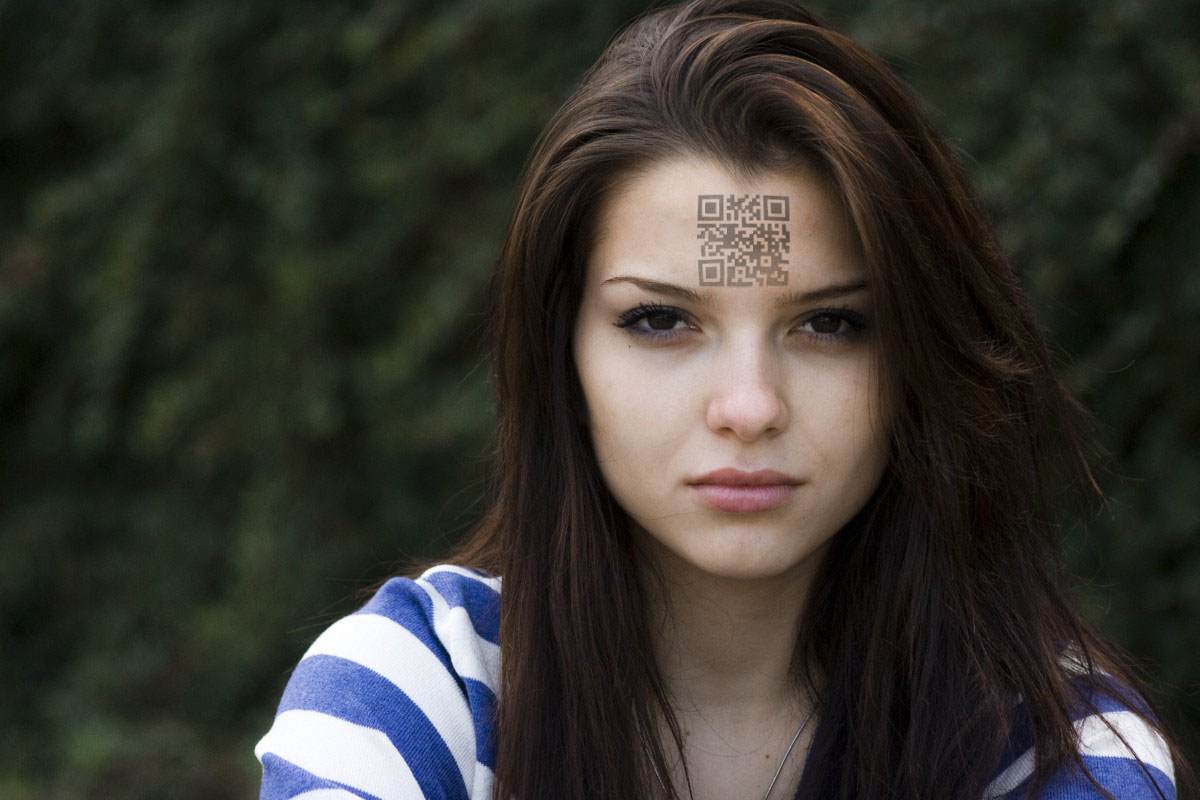
Washington State Dumb as Dirt – Uses RFID in Licenses

ID that broadcasts data about you. What could go wrong?

In an act of supreme stupidity and ignorance, Washington state has passed a law allowing residents to purchase an "alternative" drivers license that could be used in lieu of a passport at the Canadian border.

Citing the 9/11 Commission's support for more secure documentation for U.S. entry, Chertoff pointed out that U.S. Customs and Border Protection agents currently must look at more than 8,000 different forms of identification, whether birth certificates, driver's licenses or other documents.

So their answer to the problem?

The alternative license will contain a Radio Frequency Identification chip, commonly known as RFID, which the guard booths will use to scan the license as a traveler or trucker pulls up to the booth. U.S. passports issued since late 2006 already contain RFID chips.

They're going to offer a license that has no shielded covers like passports do that border guards will now just non-chalantly swipe across a reader rather than take the time to inspect. Brilliant. Maybe next, they can just put the readers out for the people in the vehicle to use making it even more convenient. That way, the criminals wouldn't have to bother changing the photo on the ID since no one would be looking anyway.

Tags: , , ,

Loading...

If you want to learn more about my professional background, click here to learn more.

Check out one of my guides/tutorials:

email Tutorial
|INDEX|next: E-mail Viruses

E-mail Dangers

Until we find out who the people are who actually buy things from spammers and kick them off the Internet, you're going to have to learn how to deal with and prevent spam.
E-mail Viruses - Learn how viruses are spread through e-mail and how to stop them
Phishing - Spot and avoid lures that pull you into the dark side of the web
Don't be one of those people that loses thousands of dollars to the classic Nigerian Scam.

E-mail Etiquette

Use CC only when necessary and BCC the rest of the time.
Use Reply-All when you mean to and never when you don't.
Practice proper E-mail Forwarding to protect privacy and make e-mails more readable.
Always personalize your e-mails to make it obvious to your recipient that it's valid.

E-mail Tips and Tricks

Using E-Mail Aliases Properly - Be careful about using sensitive data (like your real name) in an e-mail account.
Remember to treat your e-mail account with the security it deserves.
Use a decoy e-mail account to keep your main e-mail account free of spam.
Avoid using any Internet provider's default e-mail.

... or check out any of my other guides and tutorials by clicking here!

Preventing Spam

Spam is annoying and worthless, but you still see it every single day. Here are some tips for preventing and reducing spam.

[Click for full description]

E-mail Viruses

Make sure that viruses don't sneak onto your computer through your e-mails. Read some simple tips to prevent that from happening.

[Click for full description]

Phishing

By far the most dangerous thing you'll find in e-mails is a lie. Sending a bogus e-mail to someone is generally called phishing, but can also be referred to as a Nigerian scam (depending on the goal of the e-mail). Learn to recognize and deal with phishing before it's too late.

[Click for full description]

Nigerian Scam

Many people have lost thousands and even hundreds of thousands of dollars to the classic Nigerian Scam. Don't fall for it!

[Click for full description]

How to Use "CC" Properly

Don't violate people's privacy and invite spam into their accounts by CC'ing all your contacts. Learn the proper way to send mass e-mails first.

[Click for full description]

Reply-All

It's easy to embarass yourself or harm your career when you don't know how to use Reply-All appropriately.

[Click for full description]

How to Forward E-mails Properly

Don't forward e-mails carelessly or you risk looking foolish as best and violating the privacy of all your contacts at worst.

[Click for full description]

Personalize E-mail

Follow this simple rule of e-mail etiquette to help prevent your friends and family from falling for phishing scams.

[Click for full description]

Using E-Mail Aliases Properly

It can be hard to find a good name to use in an e-mail account that hasn't been used and doesn't give away too much information about you.

[Click for full description]

Protecting E-mail Passwords

Your e-mail account is the most important online account you have. Remember to treat it as such!.

[Click for full description]

Using a Decoy E-Mail Account

Why it's very important to use a buffer e-mail account to shield your main account from people and companies that you don't trust.

[Click for full description]

The ISP E-mail Trap

Don't fall for the trap of using the free e-mail account provided to you by your Internet service!

[Click for full description]