


Tracking People by RFID in their Shoes

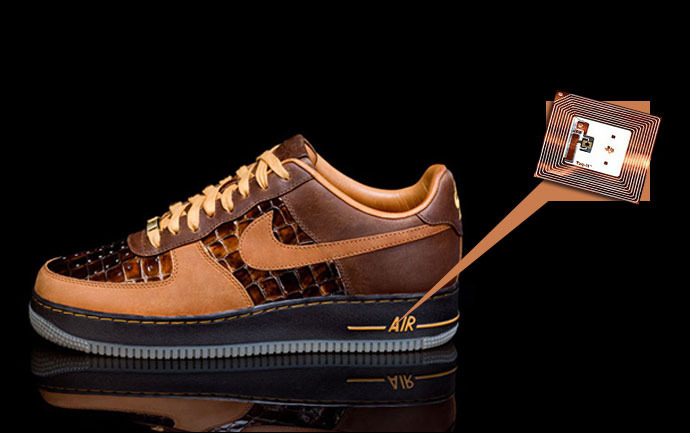
(Image used under: Fair Use doctrine)
In Schneier's blog today, he writes about a University of Washington study explaining how to track people using their Nike+iPod Sport Kit (which uses RFID).
 This is a great demonstration for anyone who is skeptical that RFID chips can be used to track people. It's a good example because the chips have no personal identifying information, yet can still be used to track people. As long as the chips have unique IDs, those IDs can be used for surveillance.
Schneier goes on to say:
To me, the real significance of this work is how easy it was. The people who designed the Nike/iPod system put zero thought into security and privacy issues. Unless we enact some sort of broad law requiring companies to add security into these sorts of systems, companies will continue to produce devices that erode our privacy through new technologies. Not on purpose, not because they're evil -- just because it's easier to ignore the externality than to worry about it.Couldn't have said it better myself.
Tags: Big Brother, Bruce Schneier, Nike, RFID