


Accidental Oversharing

Have you ever Have you ever attended a presentation in school or at a conference where the speaker plugs in their laptop forgetting that the last video they watched or wallpaper they set might not be for "all audiences"?
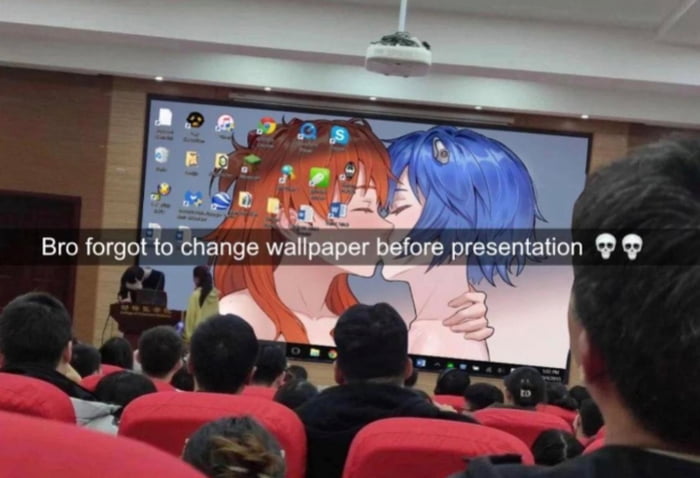

In exactly the same energy of mixing up a work chat and a private one with your spouse, people get themselves into trouble because context switches. For example, when I wrote a long and detailed rant about how frustrating a particular lady was at work and then emailed it directly to her by mistake.
It's surprisingly easy to drop information by mistake. When someone stops by your desk, when you take a screenshot to send to tech support, when you share your screen on a video chat – did you consider what you might be displaying?
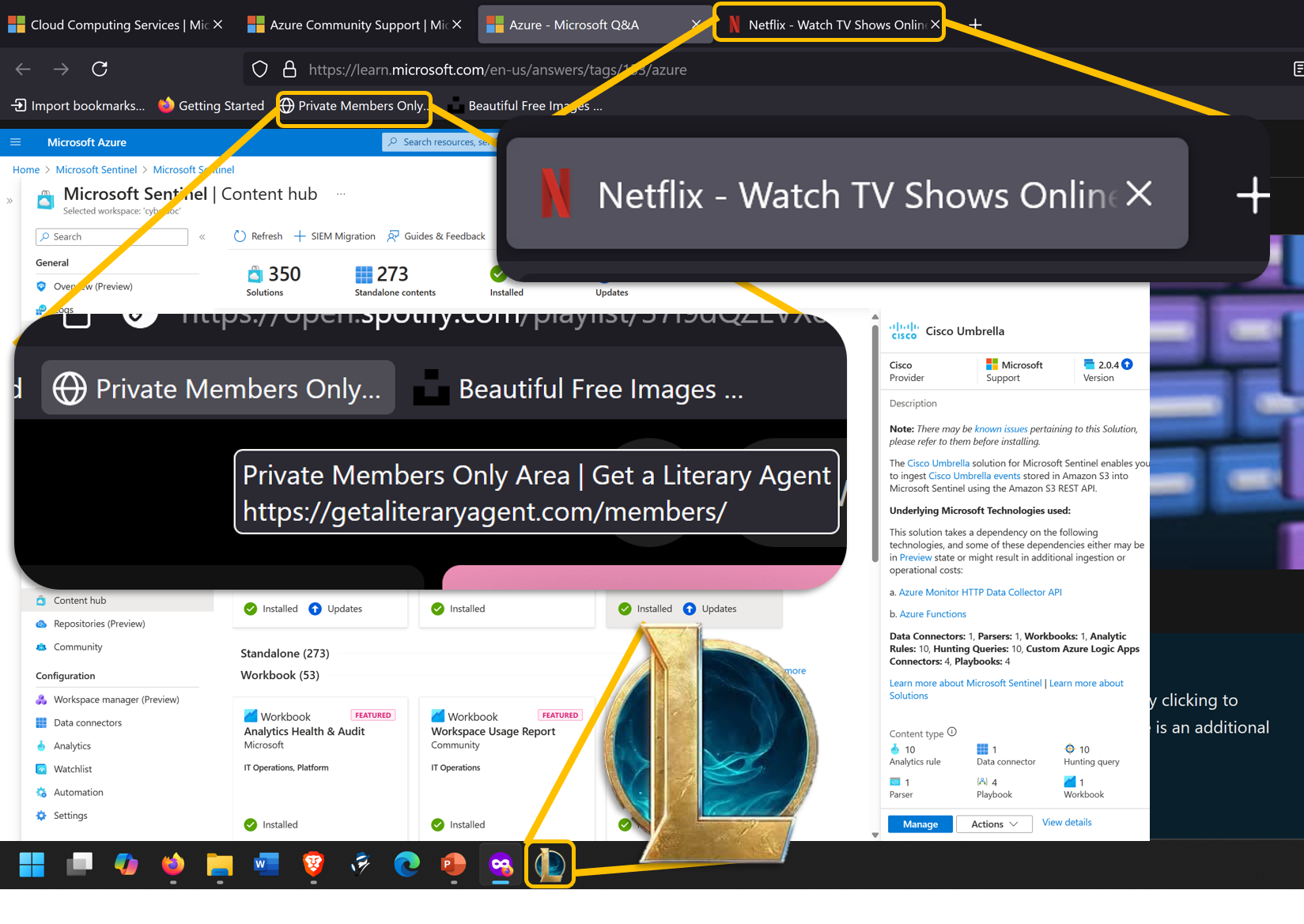
In this very busy pic, you can see a screenshot where we've blown up a few areas that you might not have thought of, but are highly noticeable to anyone paying attention:
- Netflix tab – or any other website. The icons might indicate you're playing games, watching movies, or possibly more if the tabs are large enough to show page titles.
- Bookmarks – what have you bookmarked? Something you might have to answer for? Something that sounds salacious (even if it isn't?).
- Desktop and taskbar icons – What have you installed? Is that something that should be on your computer? Is it something you'd have to answer for? (Why are you playing games at work? How did you bypass security to install that? Etc.).
Working with the NSA and having a security clearance comes with some level of stress. How do you keep the information and ideas separated such that you don't have to report yourself for spilling secrets to the kids? It's actually easier than you think.
It's all about having hard partitions between one environment and the next. If I'm at work and inside the SCIF (secure room), I can talk about work. And if I'm not, I can't. It's that easy.
Taking that concept a little further, most things can be partitioned into one of three buckets: Business, Personal, and Public. Let's cover each.
Business

For building my "brand", side-hustles, publishing etc. No open Internet browsing. Just some key websites that are directly relevant to my business or reputation. For example, if you use an alternate Reddit account for posting under your real or business name, put that in this browser.
An example browser for this would be Edge. While I don't like to use or recommend Edge as a matter of principal, it can serve well if you don't use it as your primary browser (and it's better than Chrome in terms of privacy – which I know isn't saying much).
I have many issues with Edge as a browser, but wide compatibility makes either that or Chrome (the much worse option for privacy reasons) the safest thing for me to recommend to most people. But if you're asking what the ideal is, Firefox for Business, DuckDuckGo for Personal, and Brave Browser for Public.
Personal

This browser should have strong protections built in since you're using it for more open Internet than your Business browser. Here is where you have any account that you use personally that requires a login. Spotify, Amazon, Banking, BlueSky (if using a handle and not your real name), etc.
FireFox browser is a good choice though if DuckDuckGo ever finishes their desktop browser.
Do NOT use this for something like Reddit. Reddit is nearly the same risk as open-Internet and should be in the last class of browser.
Public

This browser you use for the lowest level of trust: the open Internet. You might go down various rabbitholes or click an errant link at any time which is why you should never log into any website here (other than Reddit or Reddit-equivalent sites) and just search, browse, or open any link that you got from other sites or email that you're unsure of.
More than anything, this browser should be as strongly protected against web bugs, spying, and ads as possible which is why I recommend Brave Browser.
 |  | Pro tip! Separating activity by browsers also has a significant anti-hacking and privacy benefit! Many kinds of attacks, hacks, and bugs require that you hit their website or see their ad in the same browser were important information like banking, accounts, and social pages are. When those are in a completely different branded browser, those attacks are blocked! |
Separation as a life skill!
Separation isn't just for browsers. What if you use different email addresses for different jobs (business, personal, untrusted)? Chat programs? It's harder to mix up your boss and your mom if the chat programs are completely different (though I'm sure your boss would be happy to know you love them). And don't forget the utility of having different profiles.
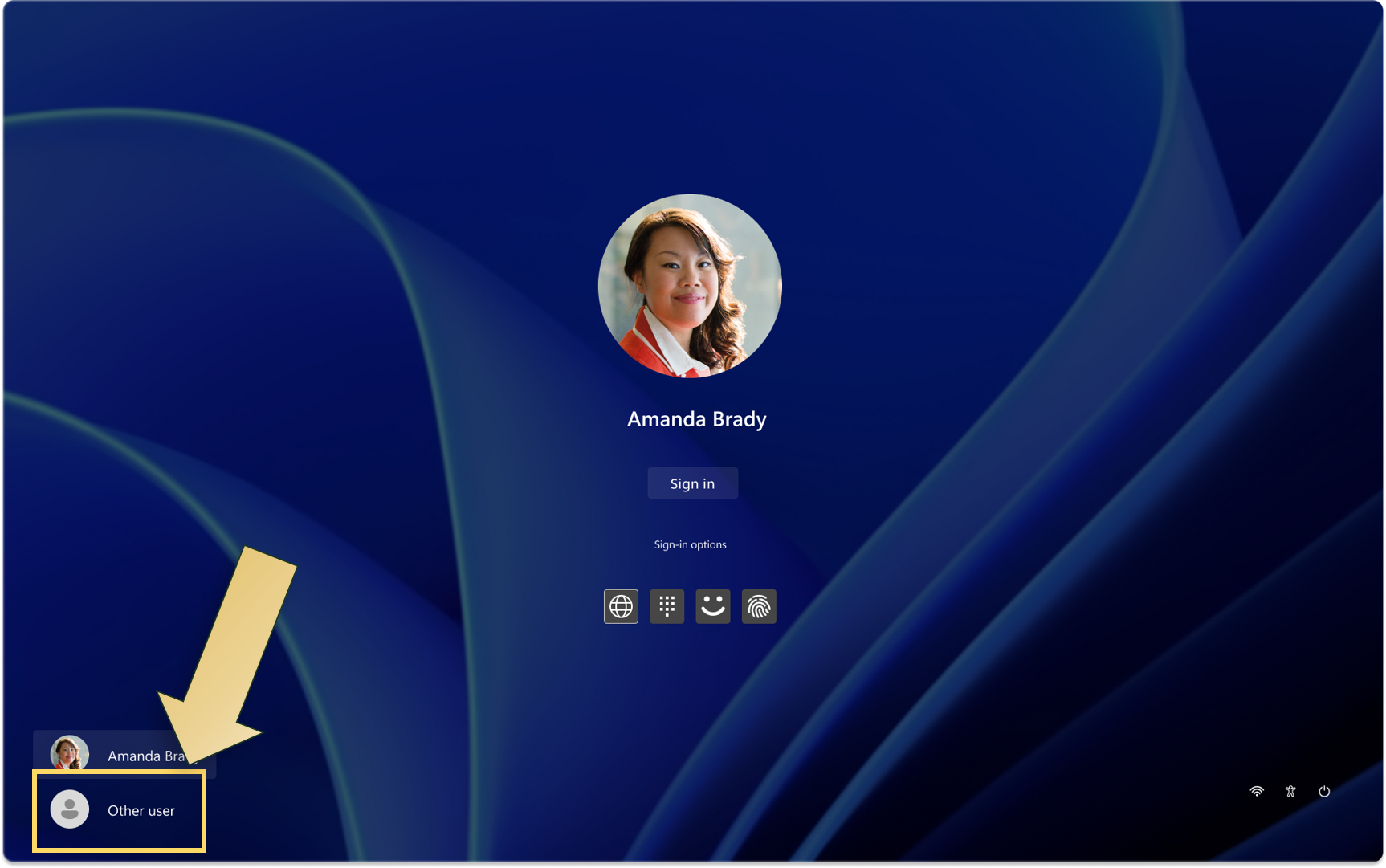
On Windows and even many phones, you can have a different profile for different "modes". For personal off-duty stuff, your normal profile. But for work (or presenting), a completely different profile with it's own icons, bookmarks, backgrounds, and so on (no more embarrassing cross-over!).
It's also important to keep your contexts clear and separated in non-technical aspects of your life. For example, keeping your business and private lives separate:
Story time!
I was on a team call with a co-worker when she said urgently, with a edge to her voice, "I have to go, something's happened" and then she went silent. A few minutes later she came back and I asked if she was ok.
She said, "My husband sometimes has to do car repossessions and someone found our address and came to the door. It's ok now, but I'm terrified… how did they find us?". After some small talk and empathizing when she felt less panicked, I asked, "when your husband fills out the legal papers, does he use his private information or does he use the business name and address? Because legal filings are public information and you could be painting a target right on your home without meaning to."
She was stunned, thought for a moment and said "that must be it!". I helped her see that they'd been mixing up their private and public business (putting them at risk), but she felt more in control knowing they had a strategy for being safer in the future (The principle of Separation!)
