


E-mail Viruses


Viruses can destroy your files and cause all kinds of havoc. Protecting yourself involves having an Anti-Virus, but that's not always enough. Make sure you are using secure e-mail practices to help prevent viruses from infecting your computer.
Use of HTML in E-mails
It's extremely unlikely that you would be hacked just from looking at an e-mail (as long as your e-mail is only loading text and maybe some images). If you're ultra-paranoid about it or if you don't care about the pretty colors and pictures, you can eliminate the risk entirely by turning off HTML and images in your mail program.
Many online e-mail services are already blocking images and such for any e-mail that comes from untrusted senders which helps, but for all others (and if you want to just go text-only for all e-mails), the simplest way to do it is to do an online search for "Turn off html in X" where X is your e-mail program or service. You should quickly find a guide explaining how to change your settings. If not, leave a comment about the program you're using and I'll try to help.
Never Open Attachments
Knowing how hard it is to try and infect an e-mail itself, the bad guys will try to sneak one into the attachment instead. Note that some of the most famous Internet viruses spread via this method (The "Melissa" virus, the "I love you" virus, etc).
Granted I'm not serious when I say never open attachments, but be very cautious. Attachments from strangers are sure to be trouble so just ignore them. However, attachments from people you know aren't guaranteed to be safe either.

An advanced virus will either copy the contents of a previous e-mail or combine words from several to sound like a real e-mail (which will hopefully trick you into thinking your friend/family member actually sent it).
Though anti-virus programs on your computer and the ones that now automatically scan your web mail before you read it (Yahoo has McAfee scanning built in for example), the best advice for dealing with suspicious attachments is to always call or contact the sender to verify its authenticity before you open it.
Never carelessly follow links
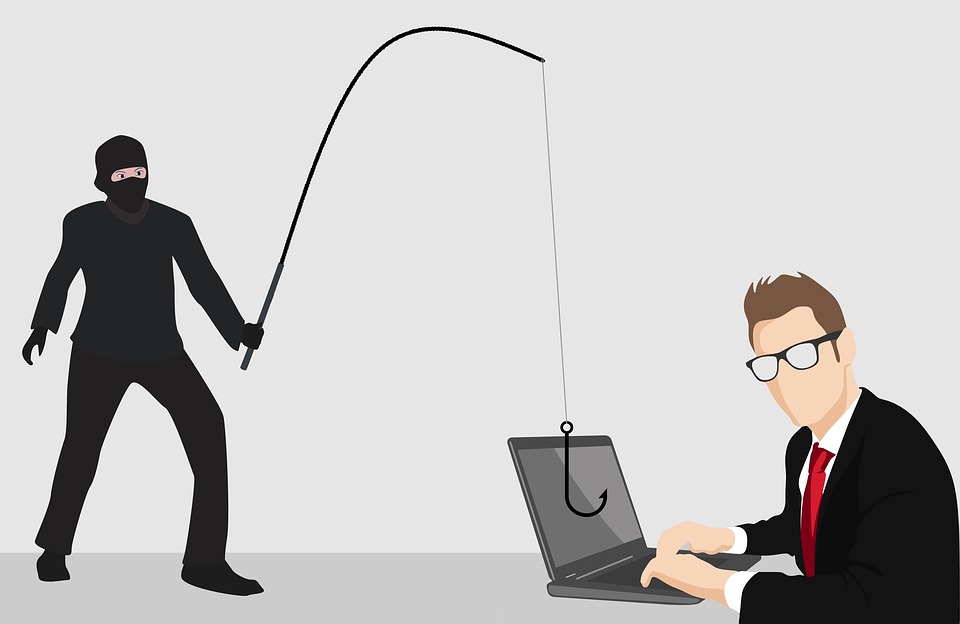
(Particularly for the shortened links on social networking sites)Now that attachments aren't working as well, the best way for the bad guys to get you is to lure you away from the safety of your inbox out into a more dangerous area online (the "dark side" of the web).
Because new exploits and tricks are coming out on a nearly daily basis for web browsers, you can get hacked just by visiting the wrong website. Therefore, the best defense is to never visit some parts of the web which also means you can't fall for lures.
Any e-mail from a bank or other service you use on a regular basis should be treated as suspect. It might say someone has "friended" you or that your bank account has been drained, but no matter what, never click any of the links. Instead, go to the service or website directly and check there to see if the alert was real or not.
If someone sends you a link (especially if they just send the link without bothering to write anything else making it easier to tell it was really them), trust your instincts (unless you have bad instincts in which case you shouldn't). Whenever you're not sure of a link or information in an e-mail, remember that people's accounts can be hacked and that it might not be real. Call them to verify it before doing anything.
Tags: Email, Phishing
 Please remember that we will never ask for personal account information via email or web pages.